
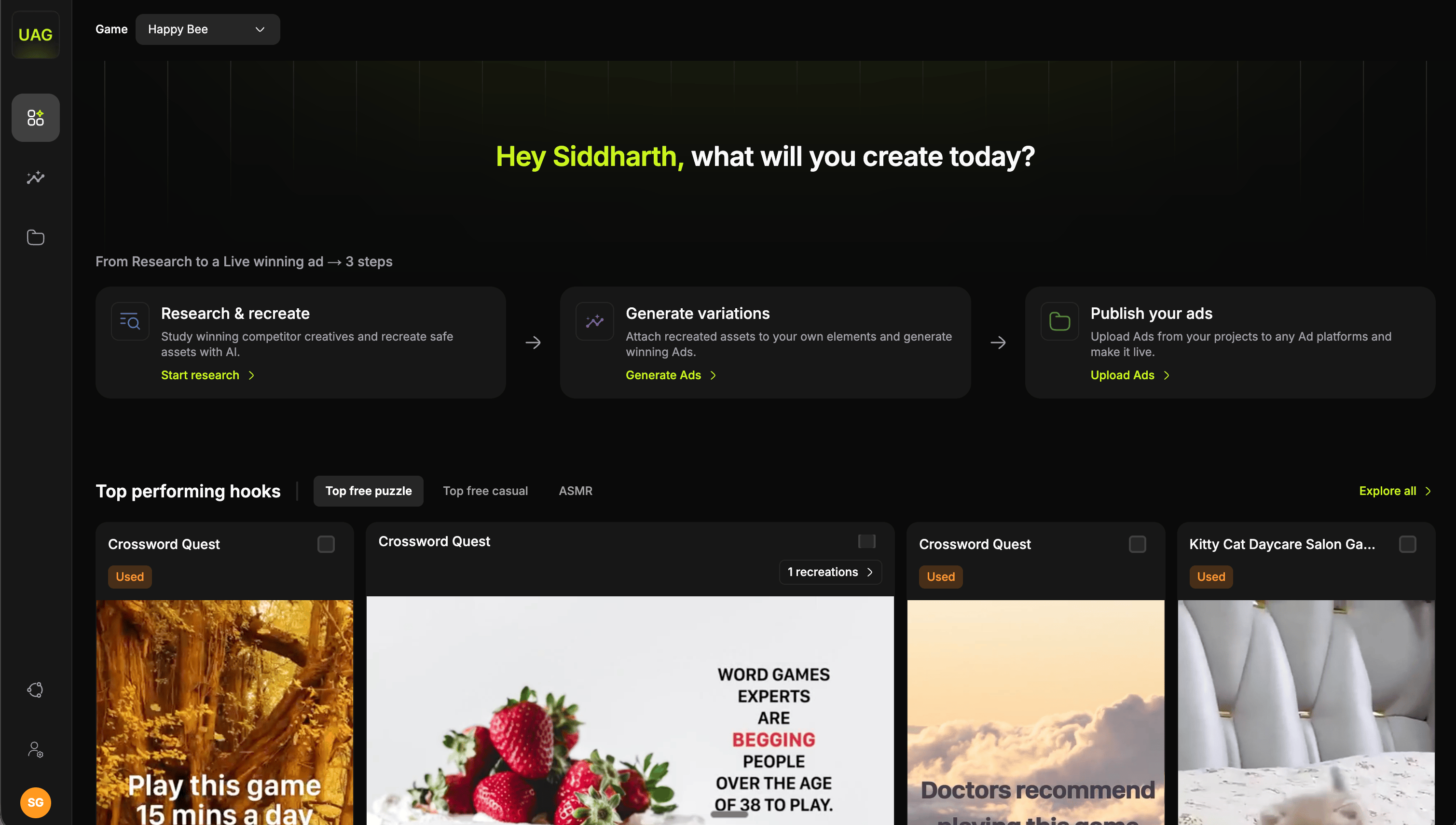
Choose your game
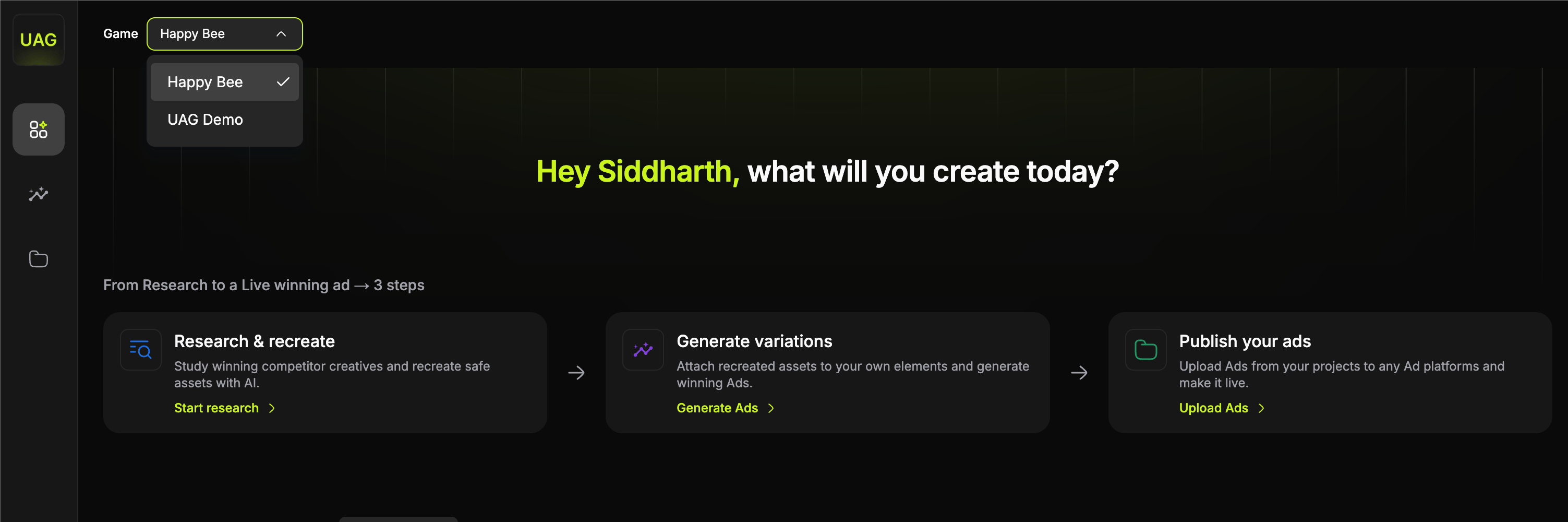
The three products
Under From Research to a Live winning ad, three cards open the three products, laid out in the order you use them.
The arrows between the cards show the intended flow, and it is the loop the whole console is built around. You can open any of the three directly, though, so if a template has just been delivered you can go straight to composing.
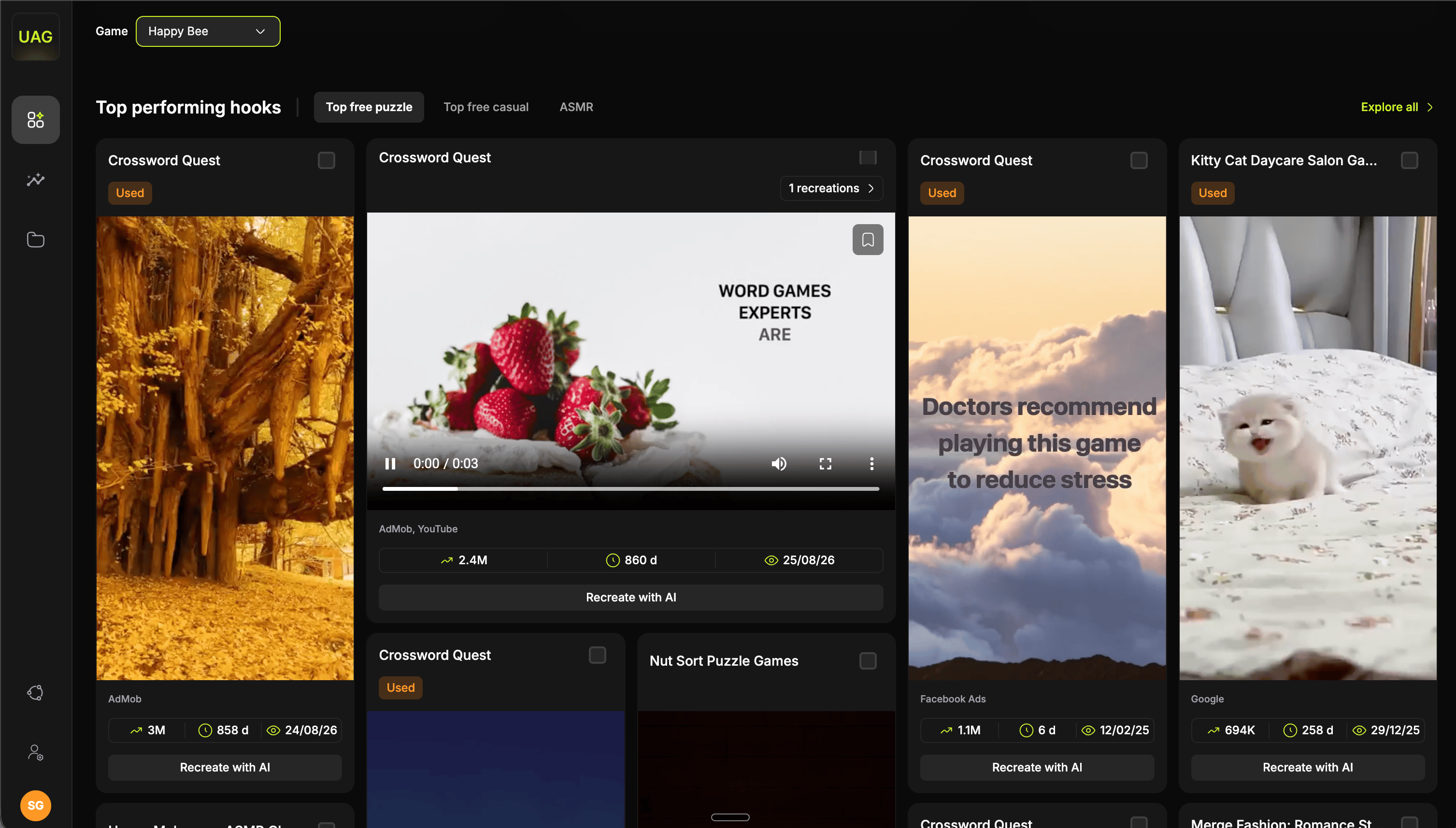
Top performing hooks
Creative jobs
Creative jobs sits in the top bar and tracks everything you have set running. Start a recreation, close the flow and start the next thing: the queue keeps working, and you can reach it from any screen in the console. Opening it gives you one row per job, carrying a thumbnail, the asset name, its category and a progress bar that runs off the job’s own clock. When a job lands, the bar is replaced by Review, which opens the screen the work is on and retires the row.What goes through the queue
Reading the button
The button reports two things at once, and they are independent, so three of ten done shows both.
Starting a batch raises a toast in the corner. Finishing does not, because the red count is the news, and opening the queue clears any outstanding toasts.
A generation can fail. The row grows a red Failed badge and the action stays Review, because a failure is an outcome rather than an absence. It is still waiting to be looked at, and going there is what clears it.
What to do next
Set up your game
The steps that get a new game ready, in priority order.
Competitor Research
Every filter in the asset library, and how to read a competitor card.