
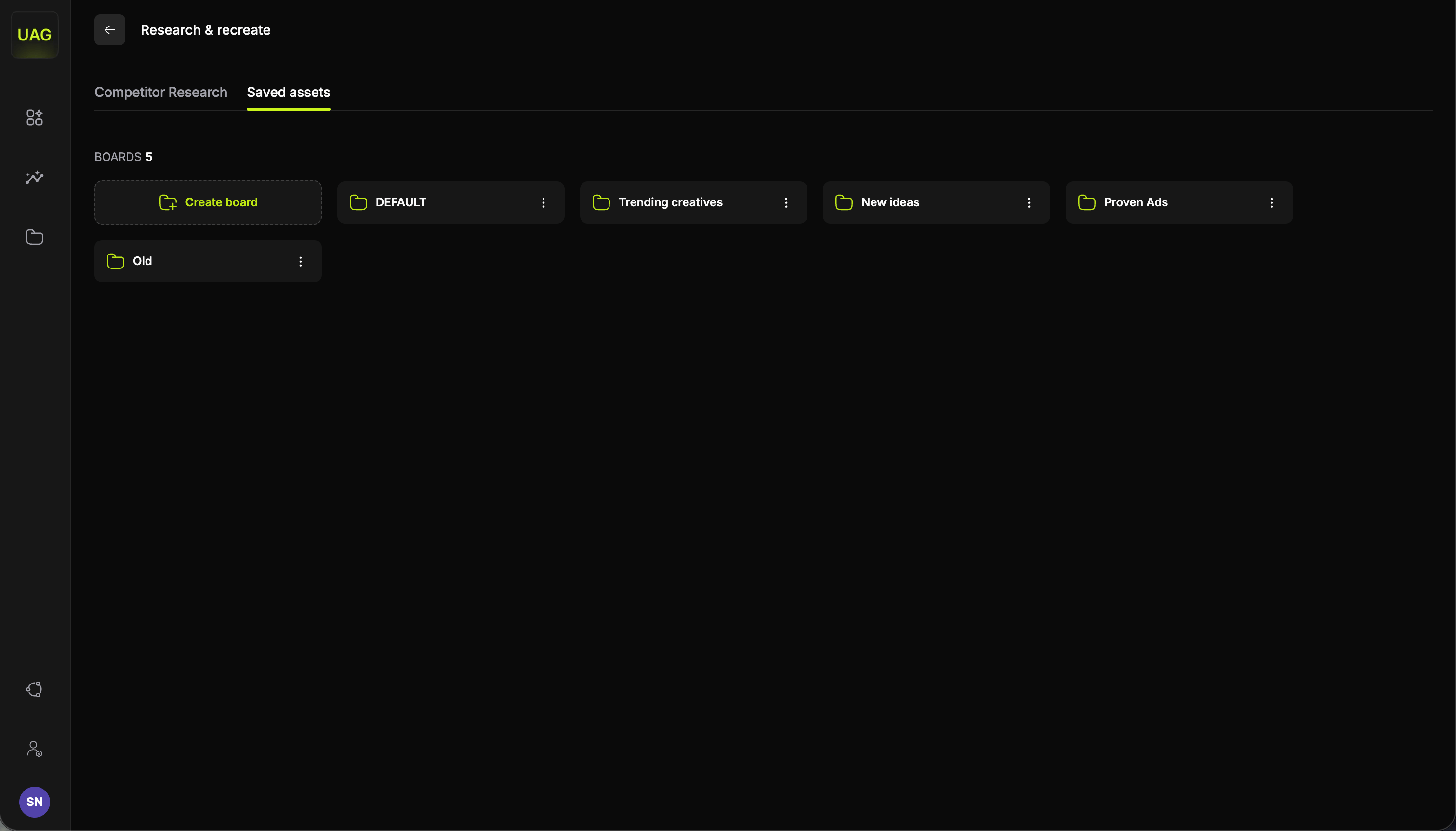
Boards
Boards are how research becomes a plan. Rather than one undifferentiated pile of favourites, group them around the thing you are about to do: a board per test cycle, per concept you are exploring, or per quarter’s creative theme. Asset pickers elsewhere in the console pull directly from your boards, so a well-kept board turns into a Video Studio session with no re-searching. Open a board and you get the same sub-tabs, filters, sort controls and card signals you use out in the library, plus an End Card sub-tab, since end cards are the asset type you bring yourself. Working with each section covers what is specific to each asset type.Uploading your own assets
Boards hold your own footage as well as bookmarked competitor ads. Inside a board, the button in the top right uploads from your machine, labelled for the sub-tab you are on, so on Hook it reads Upload own hook. Anything you upload sits in the same grid as your bookmarks, carries the same New and Used status, and answers to the same filters and sorting. One video can become up to three separate assets. In the Upload from video modal you choose which parts you want, mark where each one sits, and upload them together.1
Choose what to upload
Each asset type has its own card with a toggle: Upload Hook?, Upload Body? and Upload End Card?. Turn on the ones you want out of this video. Anything left off stays at 0.0s and is not uploaded.
2
Mark your sections
Each part you switch on appears as a section on the timeline under Set video sections. Drag the handles to set where it starts and ends, with a minimum of 1 second per section, and its card shows the length as you adjust it. A preview player sits alongside, so you can watch the video while you place the marks.
3
Pick where it saves
Under Save asset for reuse, tick the boards the assets should go into. Search finds a board by name, and the folder button creates a new one without leaving the modal. You can tick more than one board, so a single upload can serve two test cycles at once.
4
Upload
Select Upload. Every section you toggled on arrives as its own asset, filed under its own sub-tab in each board you ticked.
What to do next
Competitor Research
Find the hooks, gameplays, texts and audio worth saving.
Video Studio
Combine what is on your boards into every variation at once.